
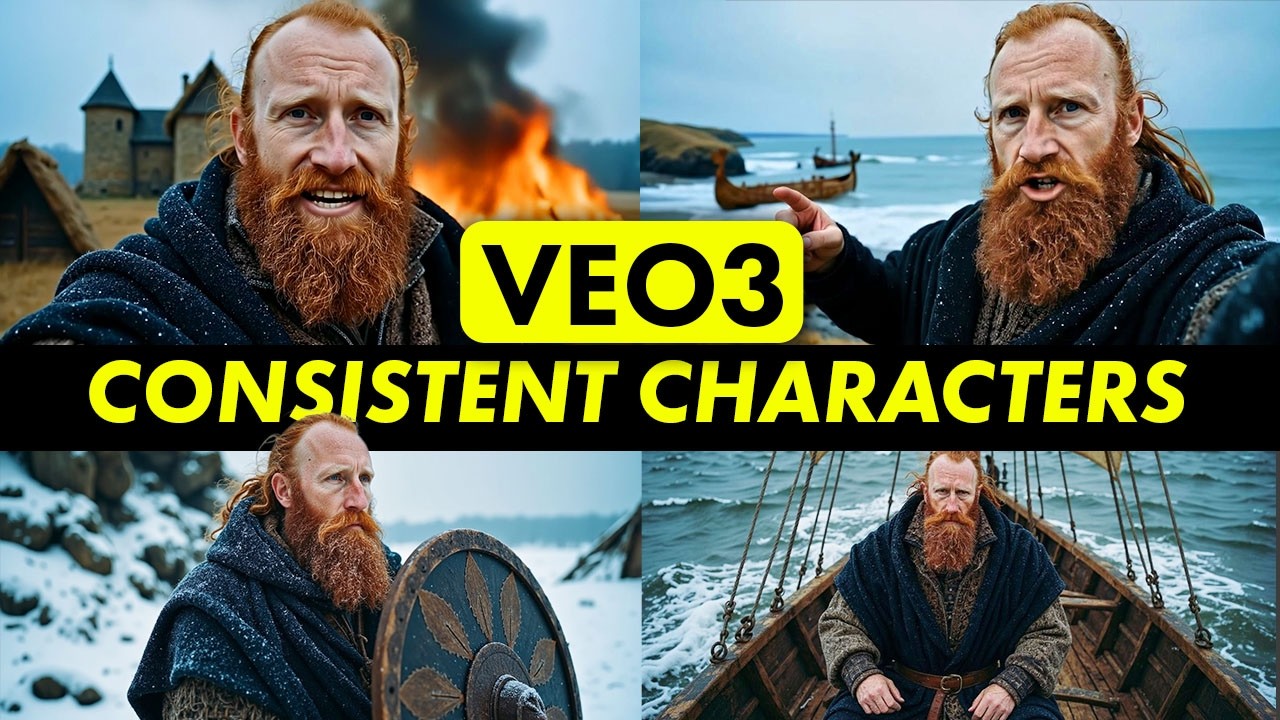
Learn to craft realistic AI character videos using Google VEO3. This tutorial demonstrates creating a custom AI model from a single image, refining details with Midjourney, and adding consistent voiceovers. Explore various AI tools to bring your vision to life.
comments
The problem with Flow is that it tends to screw up no matter how good your prompt is especially when it comes to scene 3 and 4 in a series. It will either add misspelled text instead of spoken lines, or it won’t say any lines at all even though it’s been prompted to do so. You waste A LOT of AI credits re-doing scenes over and over again. It does not matter, you can prompt it perfectly and still get a wrong result. So, these guides are only good to a point.
I noticed that too. Flow will switch lines with characters. Smh.
You should use JSON inputs. Very consistent outputs
yep, I saw every problem I just described in that video. Flow is not ready to be that consistent yet. Anyone claiming they can do it is full of you know what.
it does struggle with more complex scenes. Generating character dialogue like this is very new though and I’m sure it will improve quickly
now flows new thing is it won’t continue with scene builder unless you switch to Veo-3 quality which charges 100 AI credits per 8 second clip. And even with quality, it still screws up it just costs more now. Time to look for a new one
I use JSON all the time and still doesn’t bring consistent results. It keeps changing lines, not rendering the correct skin tone etc.